> ## Documentation Index
> Fetch the complete documentation index at: https://statsig-4b2ff144-kill-dead-node-pages.mintlify.site/llms.txt
> Use this file to discover all available pages before exploring further.
# Metrics User Guide
> Learn about Statsig's comprehensive metrics system, from raw events to precomputed metrics and real-time analytics.
# Metrics User Guide
Statsig combines data from any of your existing data sources to give you a complete view of your product metrics as well as the impact new features and experiments have on these metrics.
Statsig automatically creates these metrics from the **raw events** that you log from your application as well as raw and transformed events you send to Statsig via a data collector.
Statsig can also reuse your existing **precomputed metrics** by natively integrating and pulling data from your cloud data warehouse. You can also choose to ingest metrics into Statsig using an HTTP endpoint or Azure Blob storage.
 The **Metrics User Guide** consists of [Metrics 101](/metrics/101), [201](/metrics/201), and [301](/metrics/301) level guides that step through basic concepts to real-time analytics in Statsig.
## Metrics 101 - An Overview
* [Introduction](/metrics/101)
* [Raw Events](/metrics/raw-events)
* [Raw Event Metrics](/metrics/raw-event-metrics)
* [Custom Metrics](/metrics/custom-metrics)
* [Precomputed Metrics](/metrics/precomputed-metrics)
* [Pulse Metrics](/metrics/pulse)
* [Metric Dimensions](/metrics/metric-dimensions)
# Metrics 201 - Diving deeper
* [Introduction](/metrics/201)
* [Creating Metrics](/metrics/create)
* [Tagging Metrics](/metrics/create-metric-tags)
* [User Metrics](/metrics/user)
* [Assignment ID != Analysis ID](/metrics/different-id)
# Metrics 301 - Advanced Topics
* [Introduction](/metrics/301)
* [Metrics Explorer](/product-analytics/overview)
* [User Funnels](/metrics/create-user-funnels)
* [User Flows](/metrics/create-user-flows)
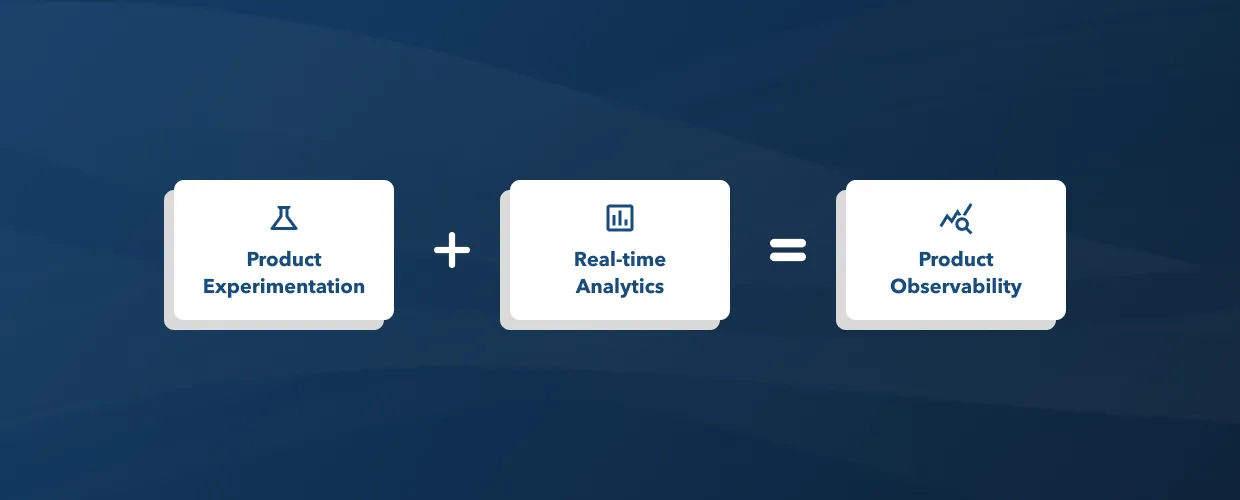
Statsig combines product experimentation with real-time analytics to help you achieve 360° **product observability**.
The **Metrics User Guide** consists of [Metrics 101](/metrics/101), [201](/metrics/201), and [301](/metrics/301) level guides that step through basic concepts to real-time analytics in Statsig.
## Metrics 101 - An Overview
* [Introduction](/metrics/101)
* [Raw Events](/metrics/raw-events)
* [Raw Event Metrics](/metrics/raw-event-metrics)
* [Custom Metrics](/metrics/custom-metrics)
* [Precomputed Metrics](/metrics/precomputed-metrics)
* [Pulse Metrics](/metrics/pulse)
* [Metric Dimensions](/metrics/metric-dimensions)
# Metrics 201 - Diving deeper
* [Introduction](/metrics/201)
* [Creating Metrics](/metrics/create)
* [Tagging Metrics](/metrics/create-metric-tags)
* [User Metrics](/metrics/user)
* [Assignment ID != Analysis ID](/metrics/different-id)
# Metrics 301 - Advanced Topics
* [Introduction](/metrics/301)
* [Metrics Explorer](/product-analytics/overview)
* [User Funnels](/metrics/create-user-funnels)
* [User Flows](/metrics/create-user-flows)
Statsig combines product experimentation with real-time analytics to help you achieve 360° **product observability**.
 Get started with [Metrics 101](/metrics/101).